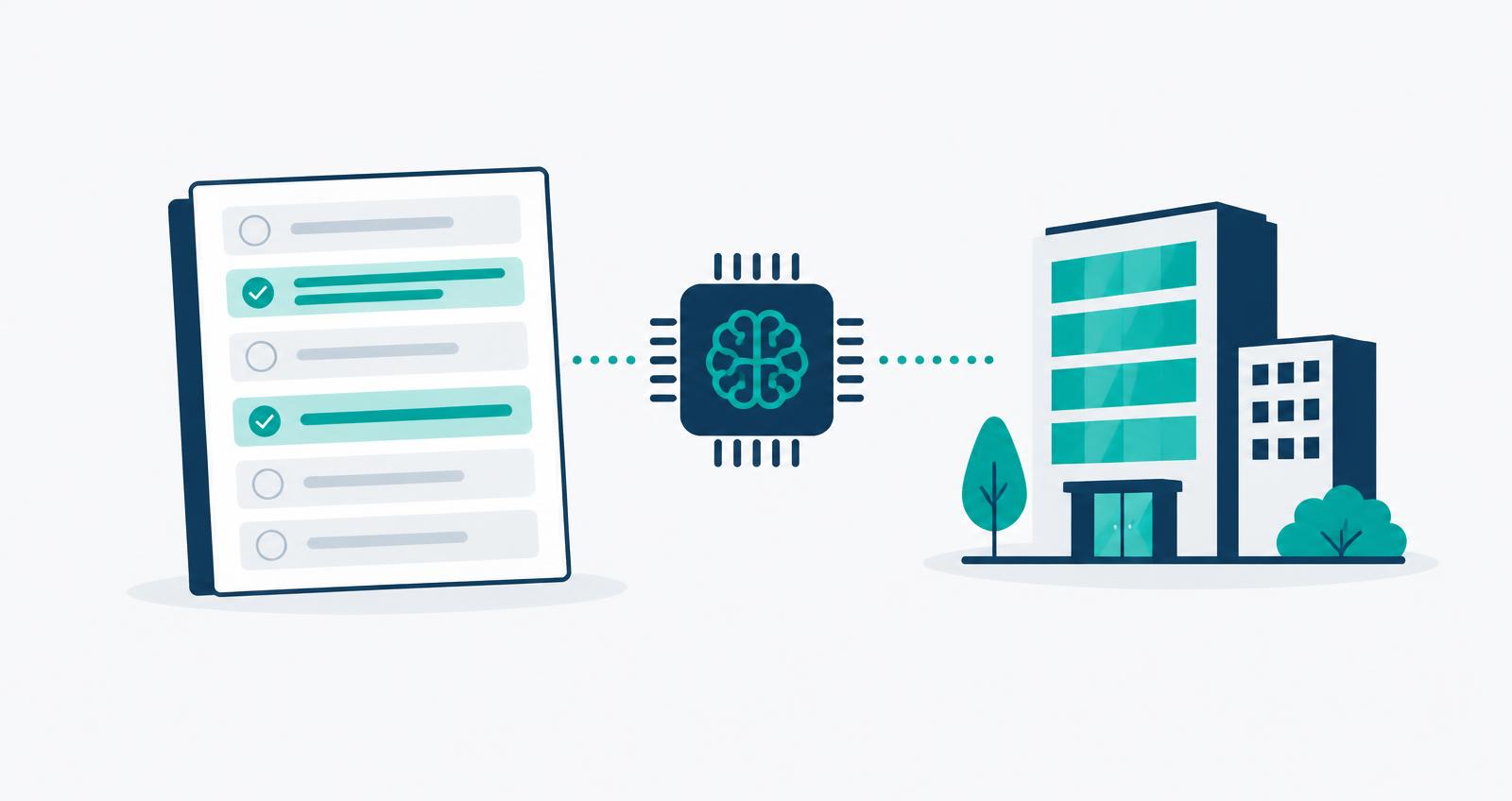
Summary: Network gateways, data loss prevention, endpoint management, identity logs and AI governance platforms can all detect some shadow AI. Each sees a different slice, and none of the first four records what the firm decided to do about it. Evaluate tools on four things: coverage of AI embedded in software you already approved, whether they need new agents, whether they tie usage to people and departments, and what happens after a detection.
Why this is harder than it was two years ago
When "shadow AI" meant someone using ChatGPT in a browser tab, blocking a handful of domains caught most of it. That is no longer the problem. AI now arrives in three ways:
- Standalone tools that employees sign up for themselves.
- Embedded features that a vendor switches on inside software you approved years ago, such as a CRM, a research platform or a meeting tool.
- Agents and connectors that link an AI model to your email, files or data rooms through OAuth grants and MCP servers.
A 2025 Gartner survey of cybersecurity leaders found that 69% of organizations suspected or had confirmed employees using prohibited AI tools. The second and third categories are why blocking alone doesn't close the gap.
The five categories
| Category | What it sees | What it misses |
|---|---|---|
| Network and web gateway (SWG, CASB, firewall) | Traffic to known AI domains, volume, user and device | AI features inside approved SaaS on the same domain; anything off-network |
| Data loss prevention | Sensitive data moving toward AI services; can block in real time | Tools that don't touch flagged data; the inventory as a whole |
| Endpoint and device management | Installed desktop AI apps and browser extensions | Browser-only tools; personal devices |
| Identity and SSO logs | Sign-ins and OAuth grants to AI apps with corporate credentials | Tools used with personal accounts |
| AI governance platforms | A combined inventory from the sources above, matched against what was approved and why | Real-time blocking, which stays with your security tools |
Most investment firms already own two or three of the first four. The question is less "which detection tool do we buy?" than "who joins these signals together, and where does the decision get recorded?"
Security tools and governance tools answer different questions
Runtime security tools (DLP, prompt-injection detection, gateway enforcement) tell you what is happening right now and can stop it. A governance platform keeps the record of what was approved, for which use, with what data, and what evidence backs the decision.
You need both, and they should not compete. An examiner who asks "how do you supervise AI use?" wants to see that you detected a tool, that someone made a decision about it, and that the decision was documented. A blocked connection in a gateway log covers only the first of those.
Seven questions to ask any vendor
1. Does it detect AI embedded in tools we've already approved? This is where most current exposure sits. Ask how the vendor learns that a SaaS product switched on a generative AI feature, and how quickly you would hear about it.
2. Does it need a new agent on every device? Each new agent is another security review, another deployment project and another thing for IT to maintain. Tools that read from your existing identity, endpoint and network stack get to a first inventory in days rather than months.
3. Does it tie usage to people and departments? "Someone used an AI note-taker" is not actionable. "Six people in investor relations used it this month" is.
4. What happens after a detection? A detection should become a decision: approve, approve with conditions, or reject. Ask to see that workflow, including who gets routed the request and how the outcome is recorded.
5. Does it know the difference between a tool and a use? The same model can be fine for drafting marketing copy and inappropriate for processing LP data. Approval should be tied to purpose and data classification, not just the product name.
6. Is discovery continuous? A one-time scan is out of date within a month. Ask how often the inventory refreshes and how changes are surfaced.
7. What evidence does it produce? Ask for a sample export. If it can't answer "what AI is in use, who approved it, and on what terms" in a form you would hand to an examiner or an allocator, it is a detection tool, not a governance tool.
How to run a short evaluation
Pick one department, usually investor relations or research, where AI use is high and the data is sensitive. Ask each vendor to produce, from your own signals, an inventory of AI in use in that department over the last 30 days. Then compare the results to what you think is approved. The gap between the two is the most useful number you'll get from the whole exercise.
Where Clarier fits
Clarier is a governance platform. It reads from the identity, endpoint, network and data protection tools you already run, builds a continuous inventory of AI in use, and routes anything unapproved into a request and approval workflow with a full audit trail. It sits alongside your runtime security tools and does not replace them. The integrations page lists the sources it connects to.
To see where your firm stands before evaluating anything, start with the AI program maturity assessment.